
Introduction
Resetting your Nintendo Switch Lite can solve various technical issues and prepare it for a new user. Whether you’re looking to fix performance problems or get the console ready for sale or gifting, a factory reset is essential. This comprehensive guide will assist you in each step of the process, from preparation through execution and data restoration, ensuring a seamless experience.
Reasons to Factory Reset Your Switch Lite
There are numerous reasons to opt for a factory reset on your Switch Lite. Knowing these can help make your decision easier:
– Performance Issues: If your console continually experiences software glitches or delays, it’s a sign that a reset might be helpful.
– Selling or Gifting: Cleansing your Switch Lite of personal data ensures it’s ready for its new owner.
– Dealing with Errors: A factory reset can often address persistent errors that software updates do not fix.
Before you decide to reset, understand that it will erase all data from your console. Always back up important data to avoid loss. A factory reset is a significant step but can make your console run like new again when needed.
Preparing Your Switch Lite for a Factory Reset
To ensure your factory reset process is smooth, thorough preparation is crucial:
1. Back Up Your Data: Utilize the Nintendo cloud save feature if you have a Nintendo Switch Online subscription.
2. Charge Your Console: Make sure your Switch Lite is either fully charged or connected to a power source to prevent interruptions.
3. Update Your System: Keep your console’s software updated to avoid issues during the reset process.
Adequate preparation will safeguard your information and ensure the reset is efficient and without complications.
Step-by-Step Guide to Factory Resetting a Switch Lite
Ready to reset your console? Follow these detailed steps to complete a factory reset on your Switch Lite effectively:
1. Accessing the System Settings:
– From the Home Menu, click the ‘System Settings’ icon.
– Scroll down and choose ‘System’ from the menu.
2. Selecting System and Formatting Options:
– In the System menu, select ‘Formatting Options.
– Double-check that you’ve backed up all necessary data.
3. Confirming and Executing the Reset:
– Select ‘Initialize Console’ and proceed with the prompts.
– Confirm your choice when prompted to finalize the factory reset.
Completing these steps will restore your Switch Lite to its original factory settings seamlessly.
Restoring Your Data and Reinstalling Games
After the reset, setting up and restoring your console is vital:
1. Using Cloud Saves:
– Sign into your Nintendo Account and access cloud save features to restore game progress.
– Ensure that automatic backup is enabled for future ease.
2. Re-downloading and Installing Games:
– Access the Nintendo eShop.
– Re-download any previously purchased games and apps from your account.
By following these steps, you can quickly get your console back to where you left off before the reset.
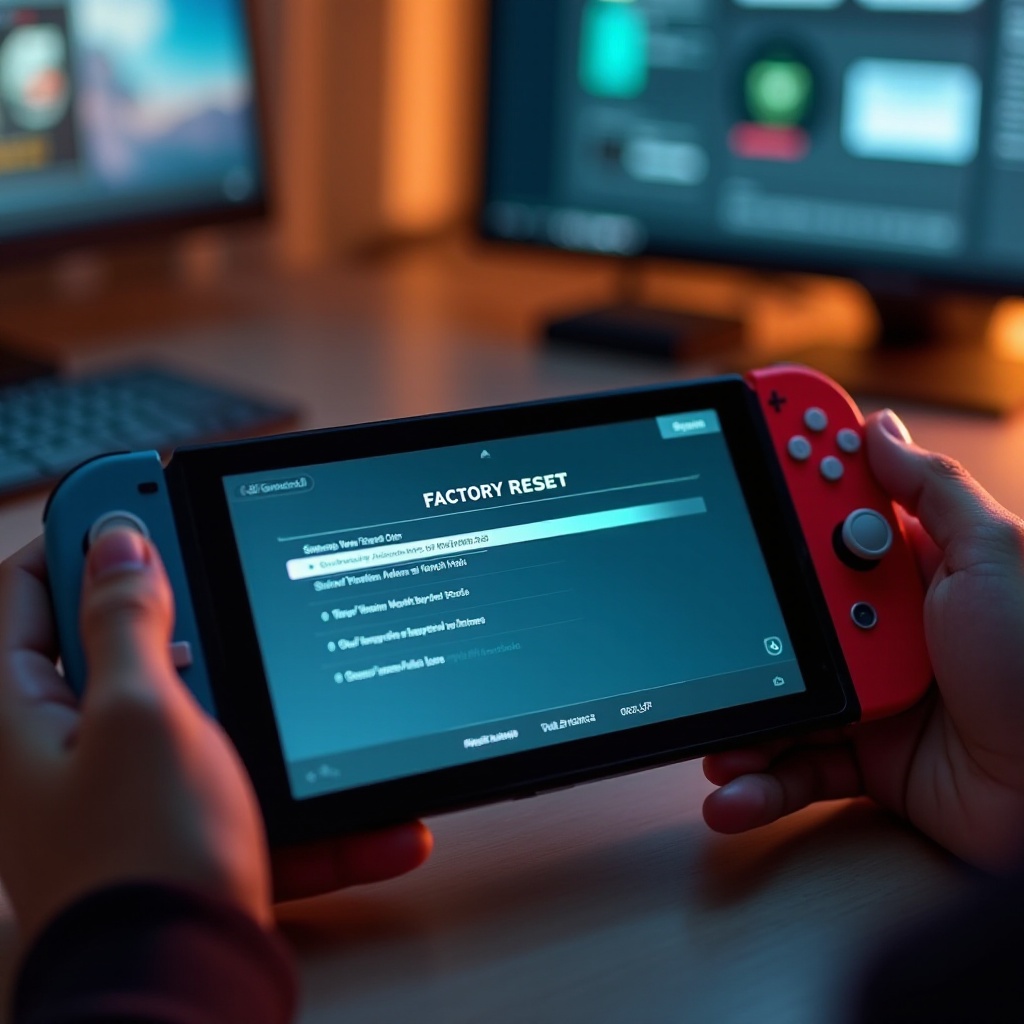
Troubleshooting Common Issues Post-Reset
Even with careful preparation, some issues might still occur post-reset. Here’s how to address them:
– If the Reset Doesn’t Work:
– Retry the process, ensuring your internet connection is stable.
– Contact Nintendo support if persistent issues arise despite attempts.
– Solving Data Sync Issues:
– Verify your cloud save settings.
– Make sure your internet connection is active during the restoration process.
A correctly executed reset will usually prevent issues, but these tips can help resolve any that happen.
Conclusion
Performing a factory reset on your Switch Lite doesn’t have to be daunting. By backing up data, executing the reset properly, and restoring your content, you can resolve performance issues or prepare your console for a new chapter.
Frequently Asked Questions
How often should I factory reset my Switch Lite?
Regular resets are unnecessary unless you’re experiencing issues or transferring ownership. Only reset when troubleshooting or changing users.
Will a factory reset delete all my games?
Yes, a reset will erase all games and data from your console. Ensure you back up save data and have your purchases ready to re-download via your Nintendo Account.
Can I reverse a factory reset once it’s done?
Unfortunately, a factory reset is irreversible. Always back up essential data before proceeding.